It's Friday, and the timesheet is empty
Per-person pricing means teams ration seats, then fill in the week from memory on Friday afternoon. Time Tracker is free for everyone in your account, so the whole team can track as they go.
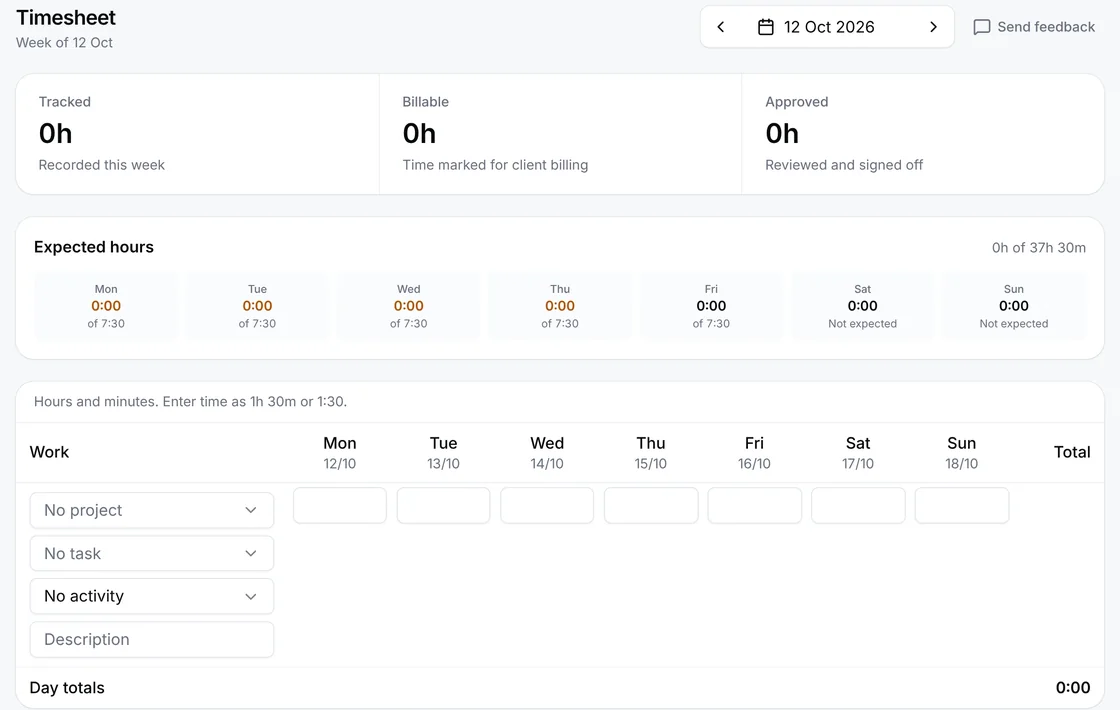
Timer, timesheets, approvals and invoices on the web, iPhone and Android. There's no charge per person, and no card to start.
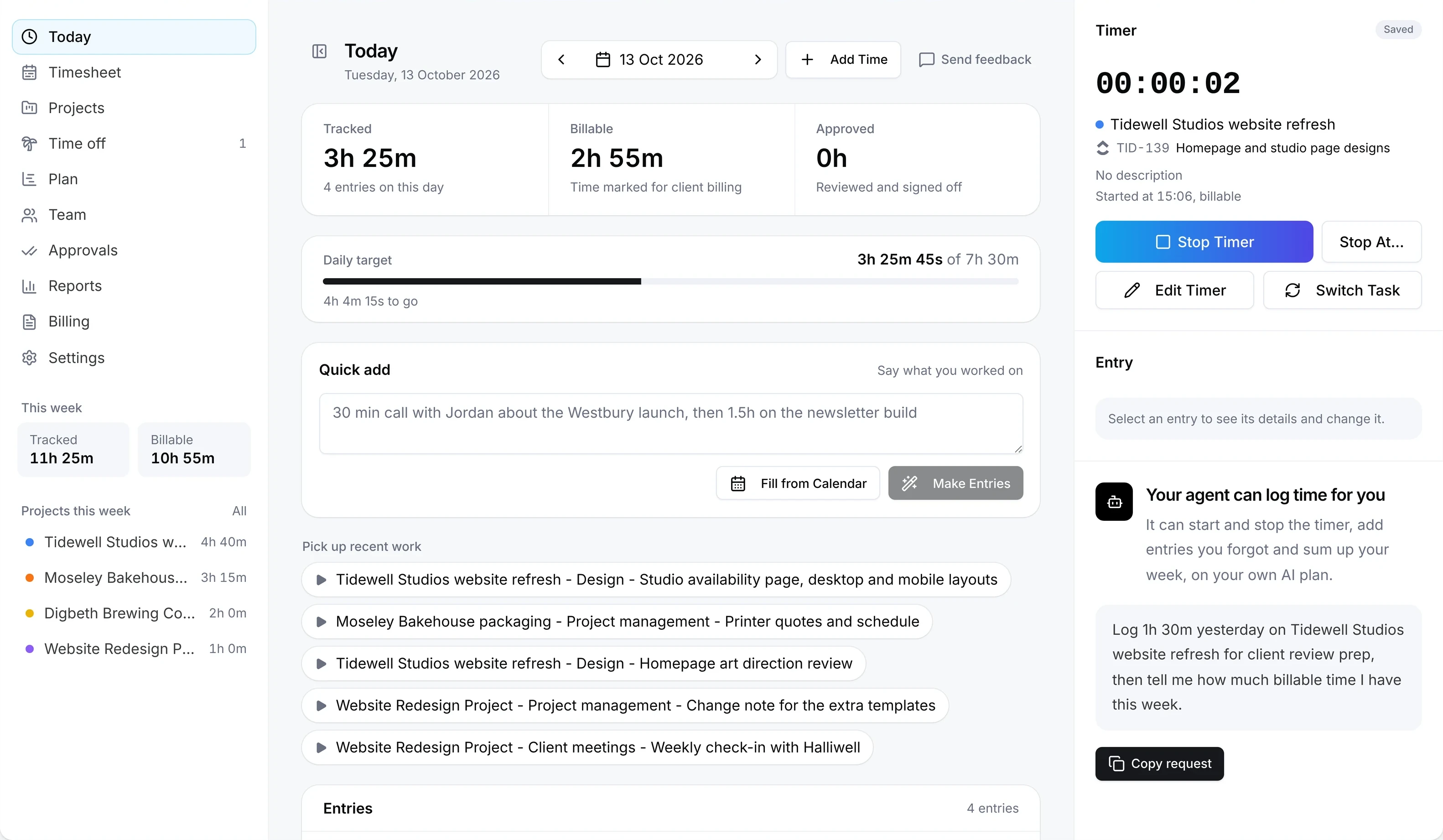
Per-person pricing means teams ration seats, then fill in the week from memory on Friday afternoon. Time Tracker is free for everyone in your account, so the whole team can track as they go.
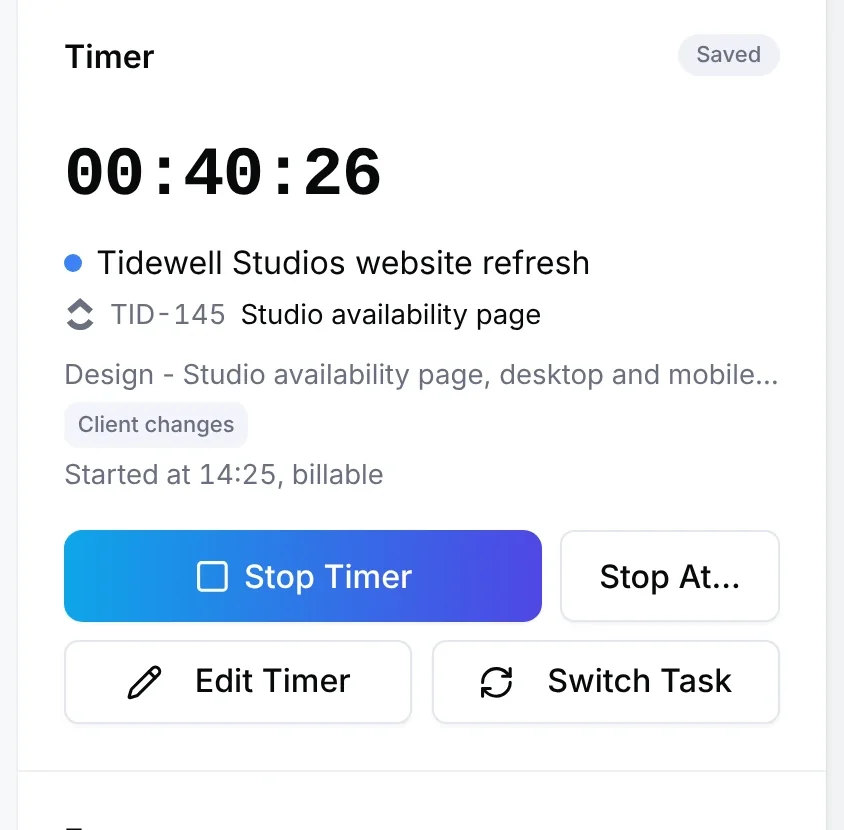
Pick a ClickUp, Asana, Jira or monday.com task in the timer. The time goes back to ClickUp and Jira, and to Asana on its Advanced plans.
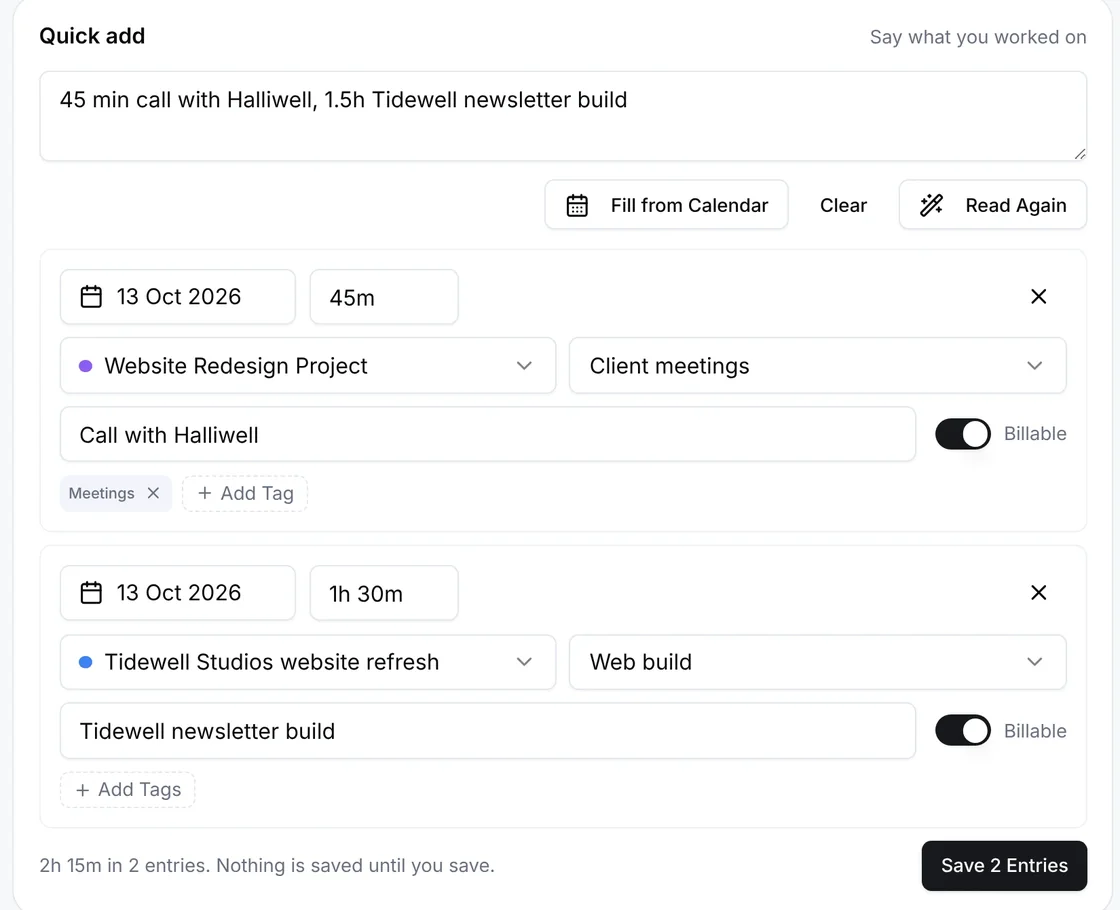
Fill from calendar turns the day's meetings from Google, Outlook or Apple Calendar into entries you check before saving. Quick add turns one sentence into entries on your own OpenRouter key. Or ask your own Claude or ChatGPT to log the time through the Raq.com connector.
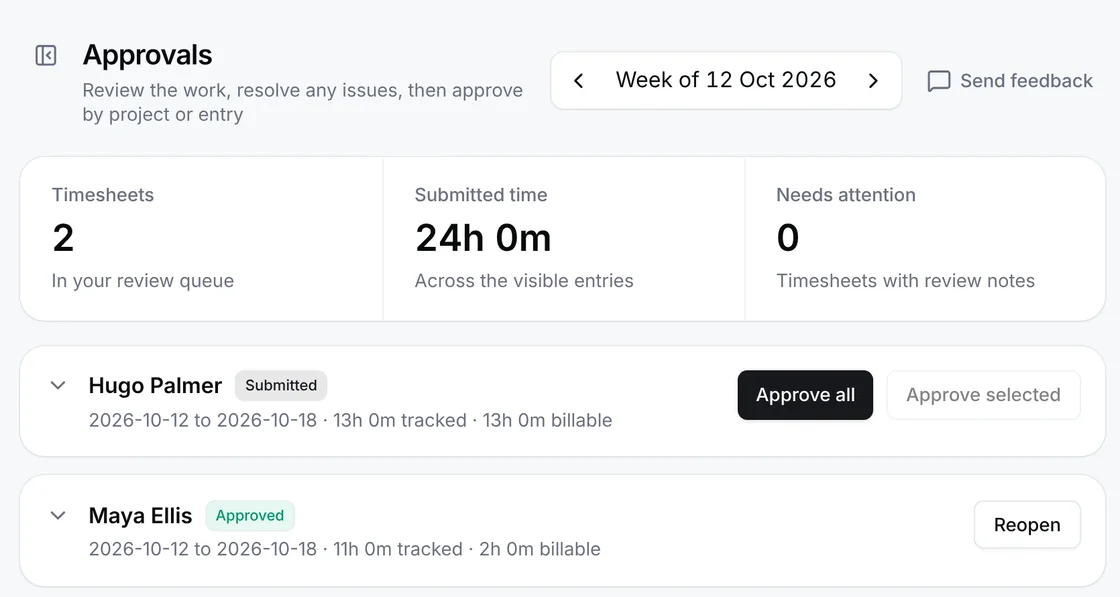
People submit their week and you review it by project or entry before it reaches reports or invoices. Slack reminders chase missing time and weekly submits, and flag long-running timers and budgets.
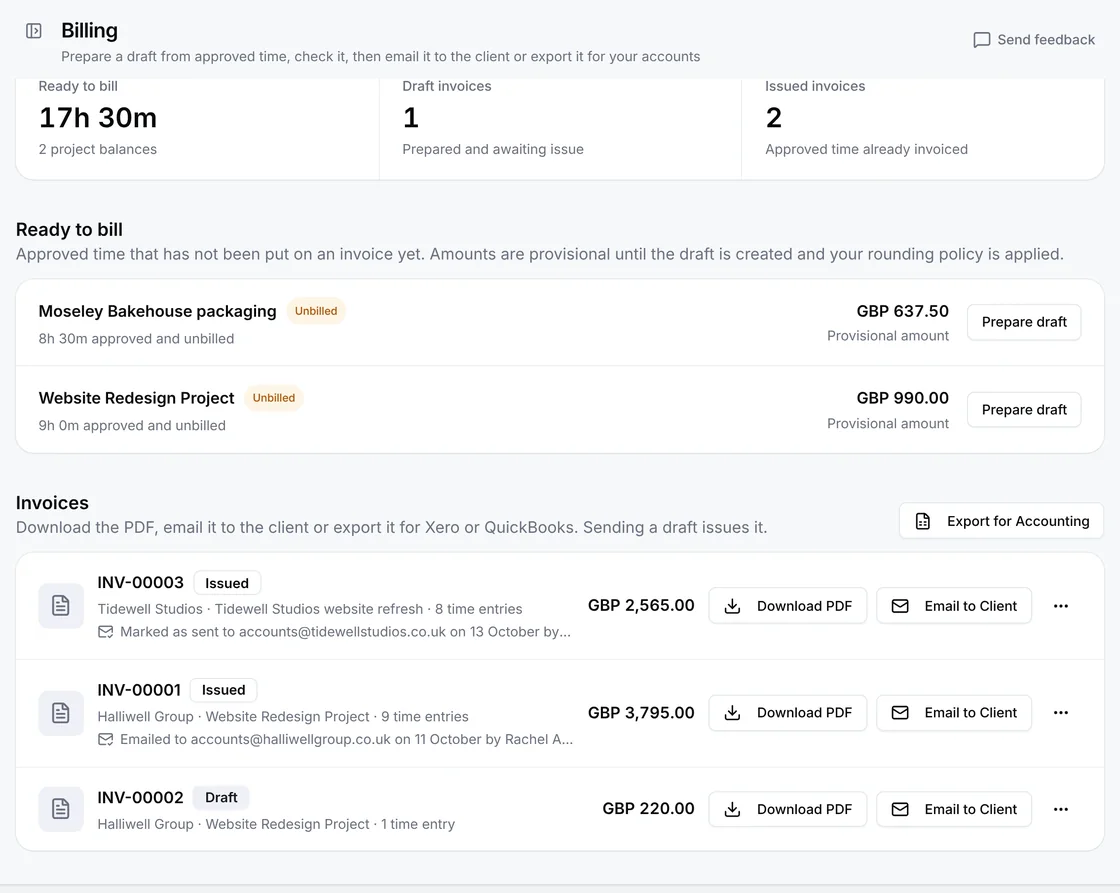
Turn approved time into an invoice at your own rates, download the PDF and send it to your client from your own email. Export invoices as CSV files for Xero or QuickBooks Online.
Time Tracker and Project Base are free. Raq.com's other tools that use AI work during your free trial, then need a plan.
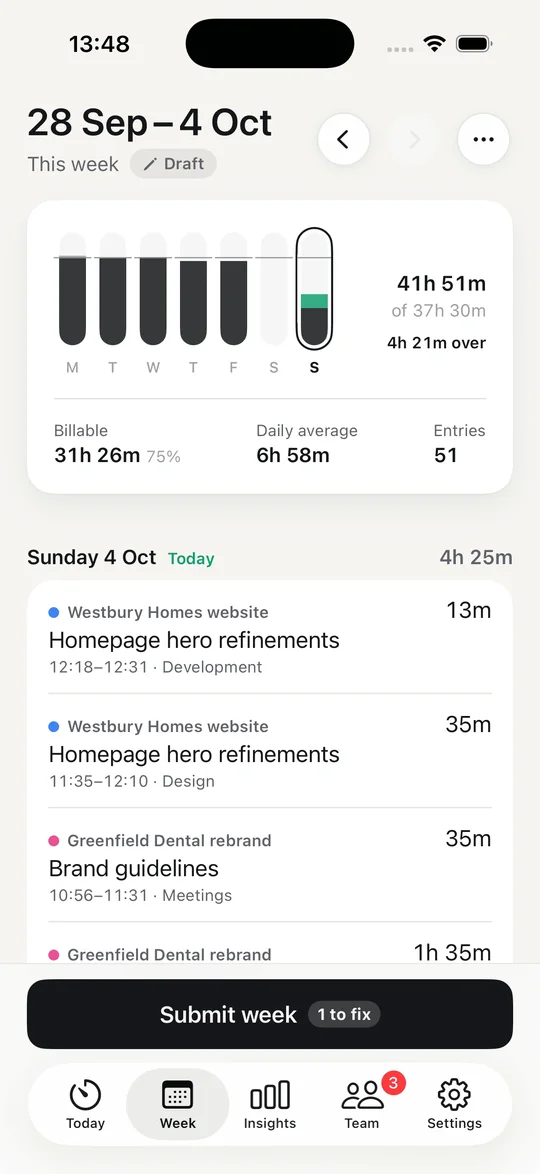
Start a timer or type your hours, then send the week for approval.
Review each person's week before it reaches reports or invoices.
Plan each person's hours for the weeks ahead, then compare the plan with the time they tracked.
Track time and cost against each project's budget, with alerts before it runs out.
Turn approved hours into invoices at your own rates, download the PDF and send it to your client from your own email.
Export invoices as CSV files ready to import into Xero or QuickBooks Online.
Pick a task in the timer. The time goes back to ClickUp and Jira, and to Asana on its Advanced plans.
Turn the day's meetings from Google, Outlook or Apple Calendar into entries you check before saving.
Post missing time, weekly submit reminders, long-running timers and budget alerts to a Slack channel.
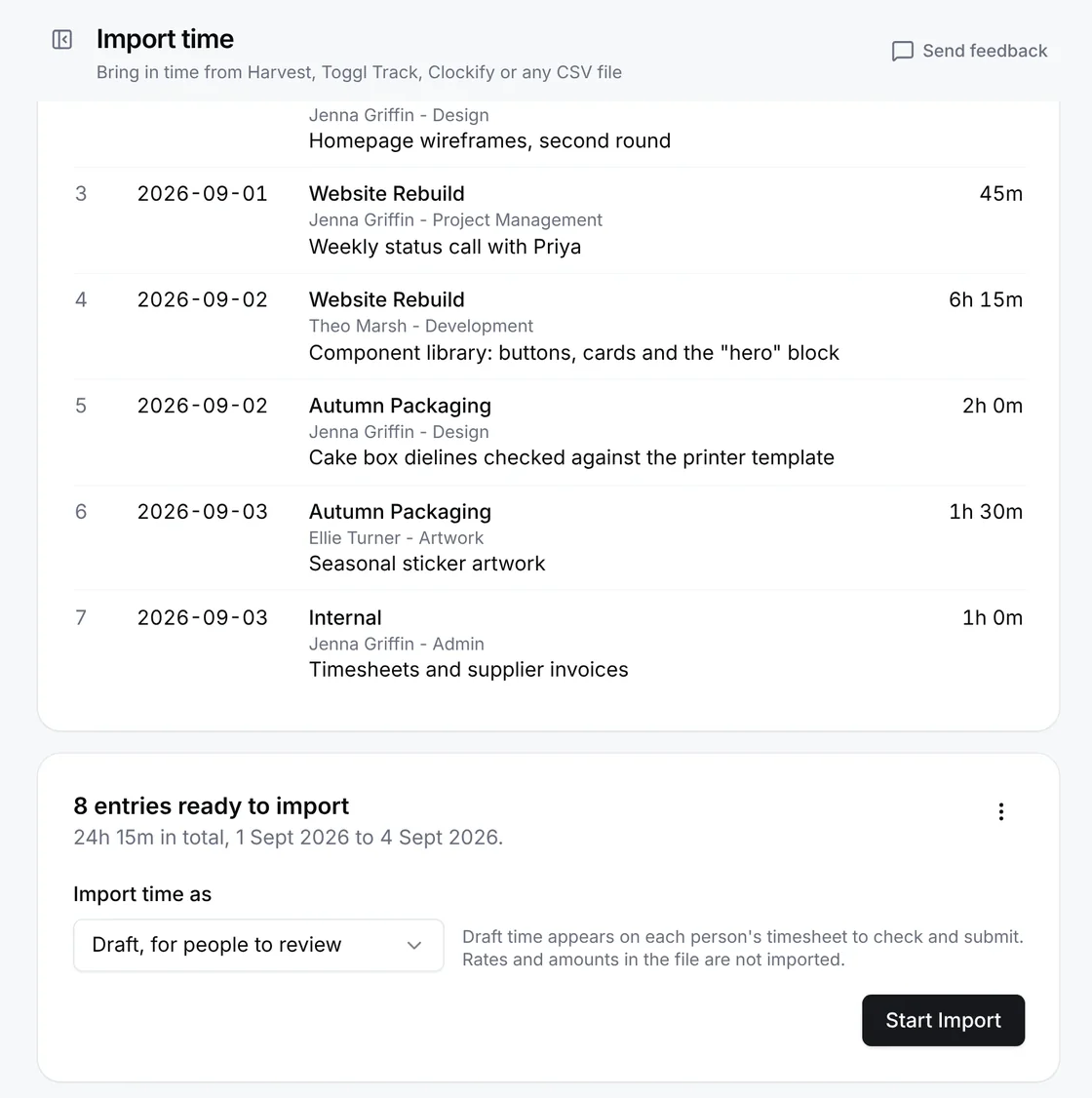
Bring your history with you from an export file and invite the people in it.
Type "two hours on the Acme site yesterday" and it fills in the entry. It runs on your own OpenRouter key, or log time by asking your own Claude or ChatGPT through the Raq.com connector.
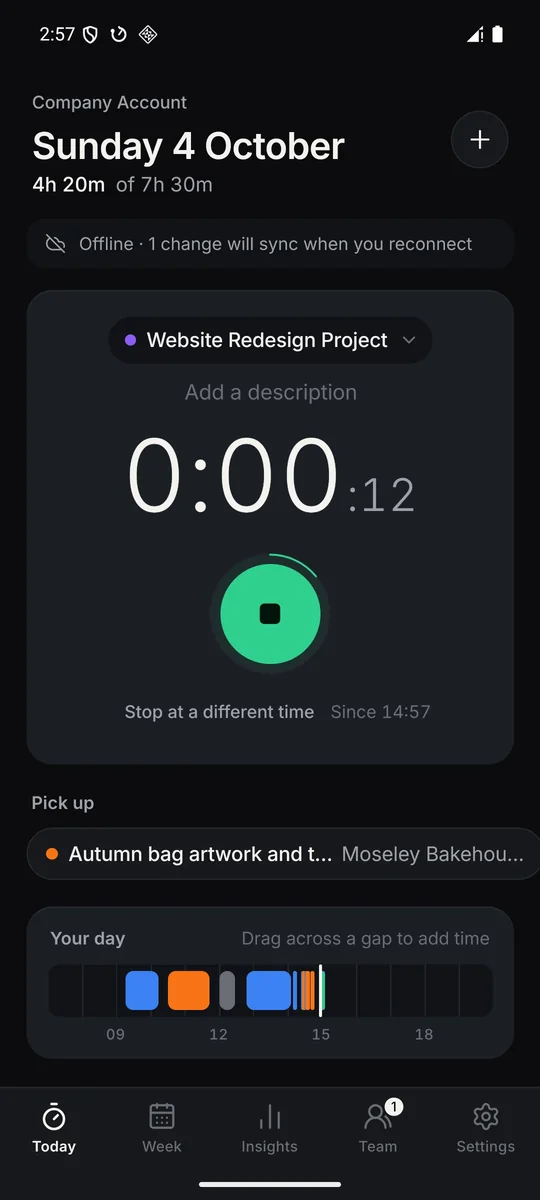
The same timer and timesheet wherever you are.
Drop in your export file. You see every entry before anything is imported, then invite the people in it.
The same timer and timesheet in the browser and on your phone, including a home screen widget on Android and the iPhone lock screen.
Create your free account here, then sign in to the app with the same account.


Time Tracker is one of the tools in Raq.com. It and Project Base are free for everyone in your account, including people you invite later. Raq.com's other tools that use AI work during a free trial, then need a plan, so you only pay if you want those.
Tell us what's missing with Send feedback inside Time Tracker, or email [email protected].
Create a Raq.com account and Time Tracker is switched on and pinned in your sidebar.
Create my free accountAlready use Raq.com? Sign in